1. Find the Legacy Pack that takes your tickets
Look under Bonus Pack in the Shop and check the Legacy Pack’s ticket icon and your balance. The ordinary two-card pack gives twenty slots for ten tickets. Open its card list before looking for a particular name, since its chances depend on the current pool and slots.
2. Read any rarity guarantee and claim deadline
KONAMI’s third-anniversary notice distinguished regular Legacy Pack Tickets from a reward ticket with at least one guaranteed SR. Check the item’s description for the eligible pack, rarity floor and deadline. If you have several kinds, handle the dated ticket first, read the expected packs and slots on confirmation, then check how many tickets remained.
3. Check dismantle eligibility copy by copy
Copies obtained from Legacy Packs are generally marked unavailable for dismantling. Another copy of the same card from a different source may be eligible. Inspect the exact finish and count in the editor. Also read whether the card can be generated, which is tracked separately from dismantling your owned copies.
| Example result | Collection action |
|---|---|
| Legacy pull fills a deck slot | Use it and remove that slot from the craft budget |
| Duplicate shows no dismantle action | Keep it out of the CP forecast |
| Another eligible version is also owned | Check how many playable copies would remain before any transaction |
4. Use the current card list to check a target
The September 3, 2026 notice archive records an addition to the Legacy Pack pool. An old highlight can show cards with other sources now. Read How to Obtain for the exact card, then open the Bonus Pack card list to see whether the ticket can still pull it.
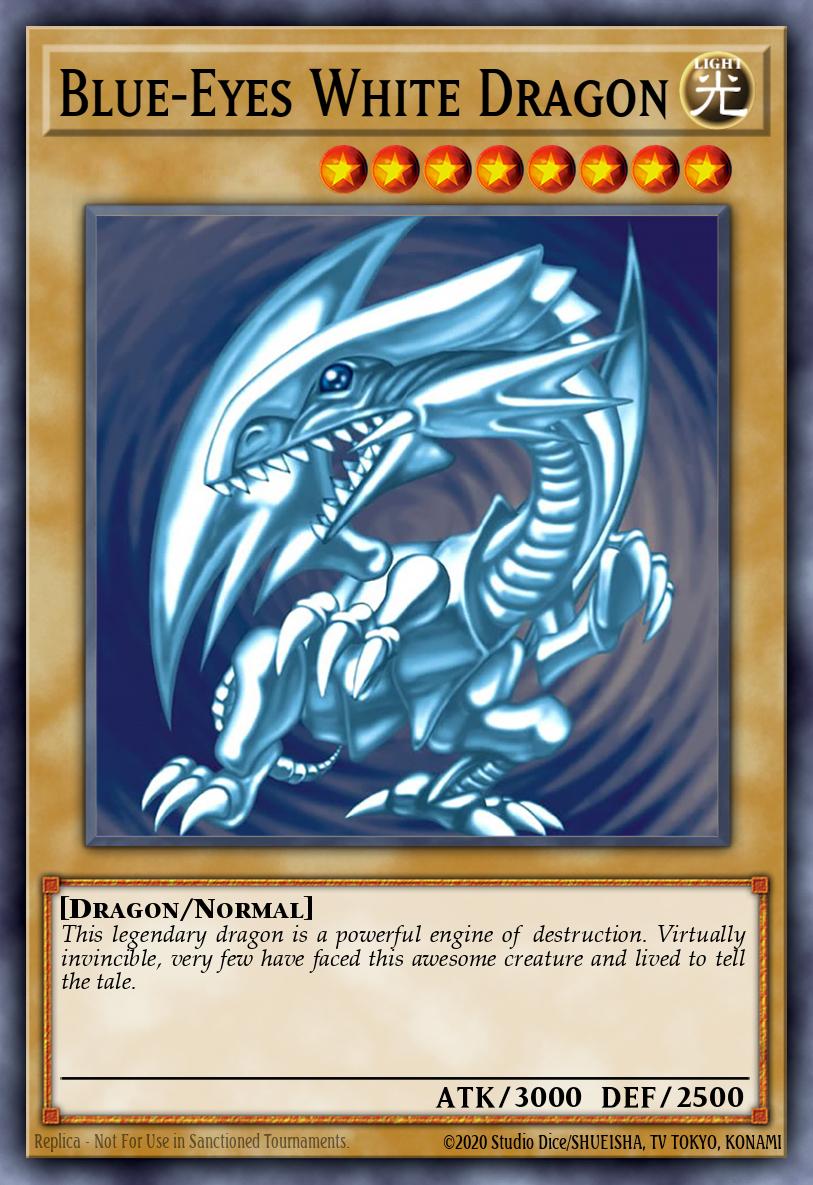
5. Recount missing cards before spending CP
If the ticket pulls the card you intended to craft, add it to your deck draft before paying CP. When it pulls a different card, update the owned count and keep the planned craft on your budget. Confirm the number you still need against the list and the format you play.