


1. Capture the report date and the rank filter
A card’s usage rate, win rate when summoned and finisher appearances answer different questions. Always copy the filter, date and denominator before using a number to recommend a card.
The Top Cards page labeled November 5, 2026 identifies its data as Konami’s in-game statistics at the highest rank. Its available views include Win-Rate, Usage-Rate, Win-Rate (Summoned), average battle damage and finisher rank. Save the exact label and date when writing a card observation. The live mirror can move on to a later maintenance window.
| Question to check | How to decide |
|---|---|
| Usage rate | Measures how prevalent a card is in the reported population. |
| Win rate when summoned | Conditional on the card being summoned, not its effect on all games. |
| Sample without count | Avoid treating the displayed percentage as a precise causal effect. |
2. Match the metric to the decision you are making
When a view does not show its sample count, record the visible date, rank filter and metric. Use your own replay count to study a specific timing instead of inferring it from an aggregate.
Use usage to understand how often a card appears in the report’s population. The summoned view describes outcomes among filtered games. A finisher can show a high conditional win rate because it is usually reached when its player already has a strong field. In your own log, calculate a separate rate for games where you activated a card by using the example below.
3. Calculate with a visible denominator
In a hypothetical sample of 1,000 games, a card is activated in 70 games and its player wins 48 of those. The activation-conditioned rate is 48 divided by 70, about 68.6%. The card was activated in 7% of all games in this example. Keep the two numbers beside the counts. The example uses invented inputs for arithmetic practice and gives no November card ranking.
| Observation | Example calculation |
|---|---|
| Activation share | 70 / 1,000 |
| Wins among activations | 48 / 70 |
| Unobserved state | The result in games where the card was drawn and held. |
4. Compare cards in the same format and report view
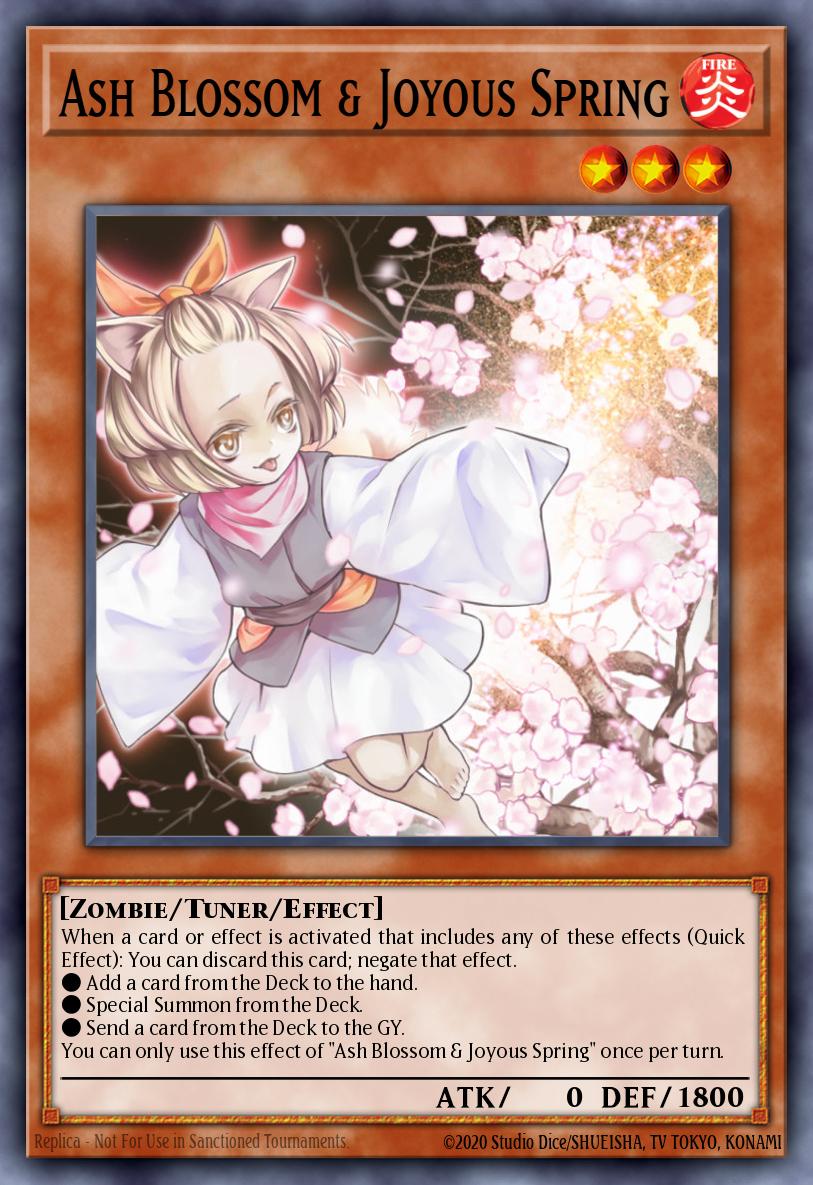
For Ash Blossom & Joyous Spring and Infinite Impermanence, compare the same metric and date before looking at which Decks use them. The activation conditions differ. Record how often your deck meets the conditions of its chosen response, whether it needs the Normal Summon and which effect you most often want to stop.
5. Keep a short card log beside the published figures
For ten duels, record when the card was drawn, when a legal target appeared, whether you used it and what happened after the response. Include the games where it stayed in hand. Compare the resulting roles with the report date and keep the rank and card limits visible before making a deck change.
- Save the November 5 data snapshot and highest-rank filter.
- Compare cards under the same metric and the same period.
- Keep drawn-but-unused cases in your own replay log.